2024-12-10
Or how to speed up the building of sheets 😊
One of the issues with using “No Fit Polygon”, is that the execution time is directly affected by the number of points and edges in the shapes.
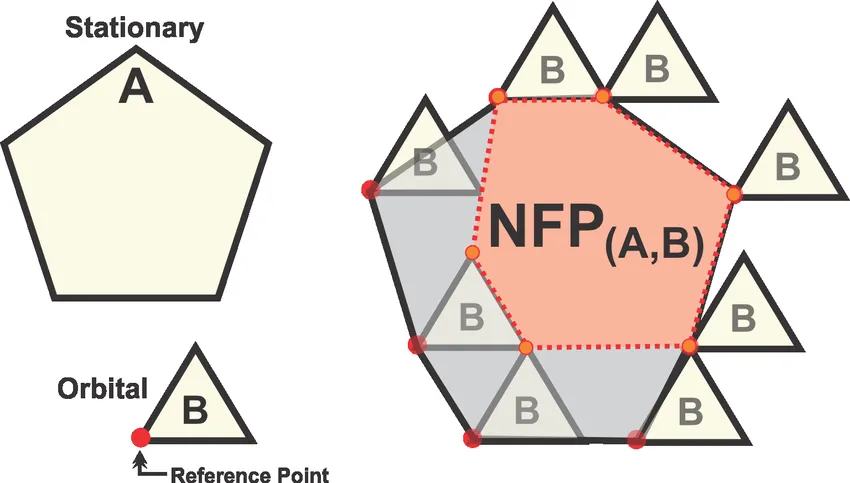
JTS has a handy DouglasPeuckerLineSimplifier that does a good job of removing a lot of the non-necessary points, but
there is one - and with relation to logos - rather big limitation: If the logo is cicular/round, the simplifier will still
leave a lot of points.

To overcome this, I’m using the thinness ratio: 4 * π * (A / P2), where A is the area of the logo (polygon) and P it’s perimiter.
The closer to 1 this ratio is, the “rounder” the logo is. When this is the case, I just increase the tolerance of the simplifier quite a bit:

Written by: Jesper Halvorsen