2024-12-25
Making sure the entire sheet is used
One of the main reason for making my own gang sheet builder, was that we often have to produce X copies of a logo, but it might not be possible to utilize all of the sheet - especially if the logos are bigger.
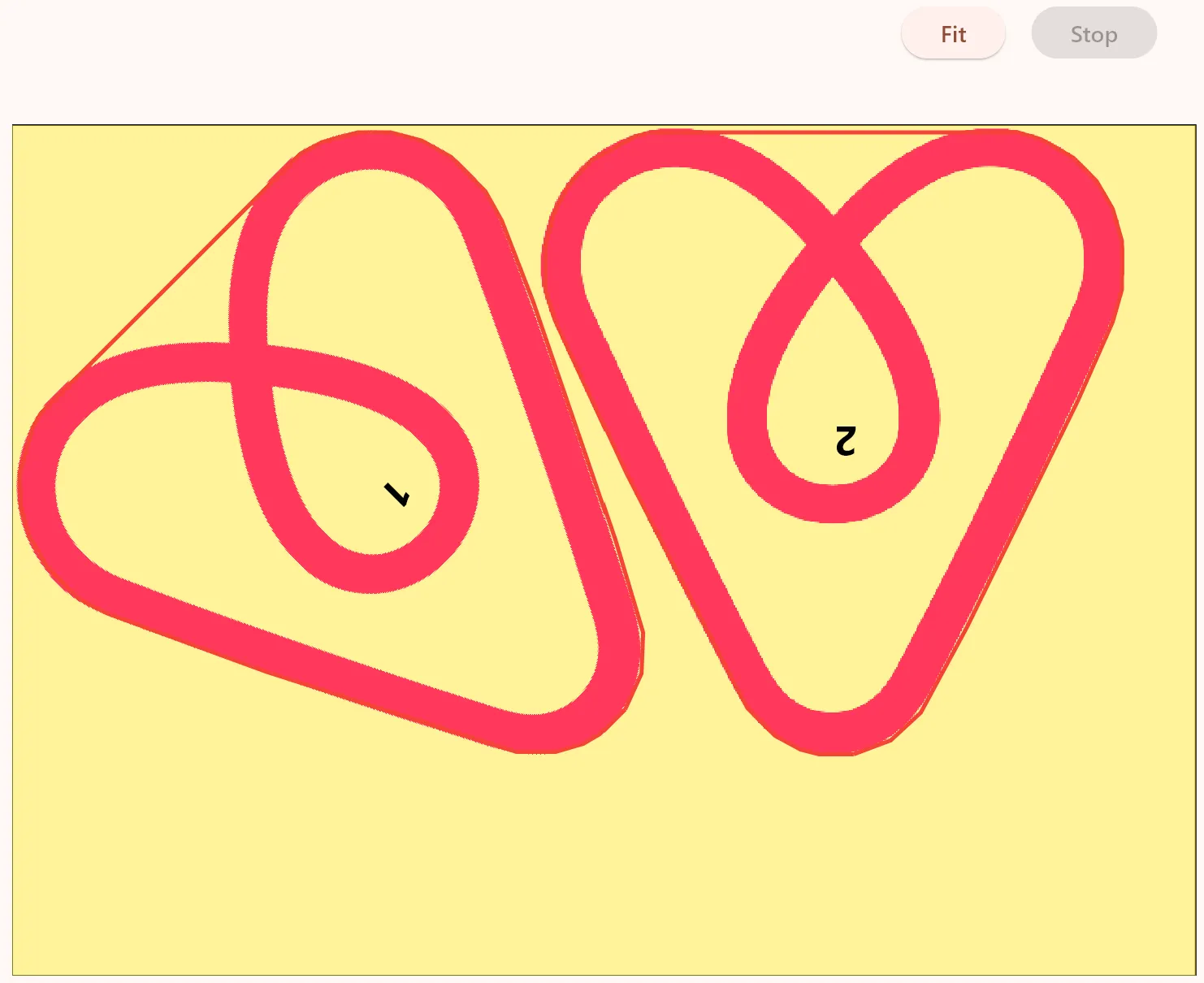
Here it makes a lot of economical sense to utilize the remaing space by filling it up with some other logos. Most of the time, this will be copies of our own logos, or customers whom order logos often and we know which size and color of logoes they tend to use.
Basically these extra logos are “free” to produce, but it ends up taking quite a long time to add the extra logos in Illustrator (where we previously created our sheets) - and that means they are not free at all 😊
But with a gang sheet builder, it’s very easy to say: I need X copies of this logo, and just fill up any remaing space with this logo.
It might take some extra (computing)time, but the idea is that you just ask the gang sheet builder to layout the logos, and then you can go on doing something else, while it finds the optimal placement.
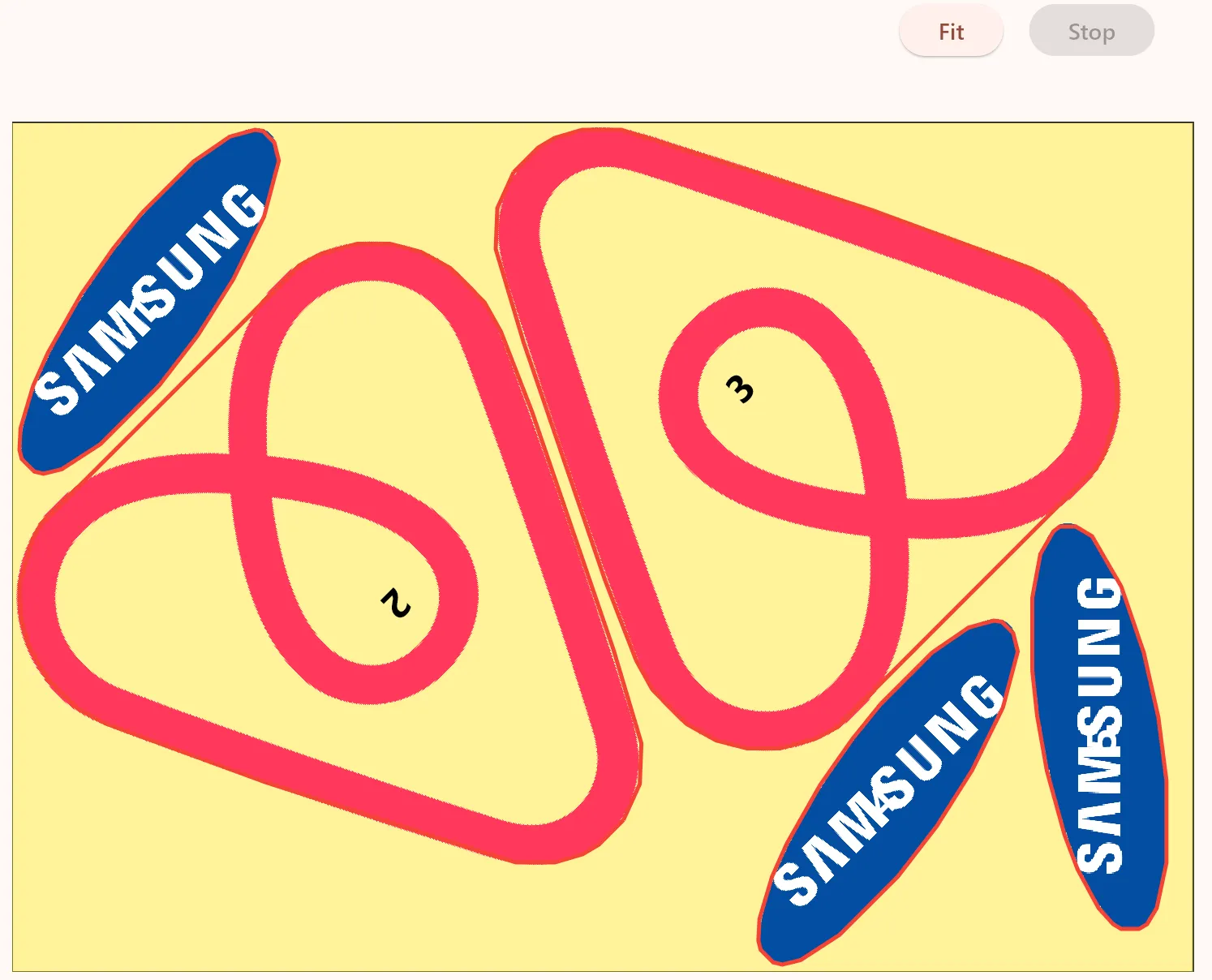
But finding the optimal number of “filling” logos to add, is not that simple. I know the area (width x height) of all logos and the sheet (often called bin), but unfortunately, you cannot just divide these sizes to get the number of logos that can be fitted 😊
But this rough estimate of the number of logos that can be fittet, is a god starting point.
I then use this pretty simple ‘algorithm’:
Try and fit the logos and must be fittet and the rought estimate of logos to fill the remaing space width
If not all the logos that must be fittet were in fact fittet: Apply a very big cost penalty (to indicate that this is not a “prommezing path to explore futher”)
If all the logos fitted on the page (both the required and filling ones): Great, that menas there was probably a lot a transparent pixels in on ore more of the logos, so try and fill 50% more of the filling logos onto the sheet
Continues until there are one or more of the filling logos that was not placed on the sheet
Written by: Jesper Halvorsen