2026-01-21
Customizing VDP numbers with halftones
On big advantage with generating VDP numbers as SVG (paths), is that it opens up for a lot of customizations/effects.
It was quite easy to add halftones to the jersey number like this:
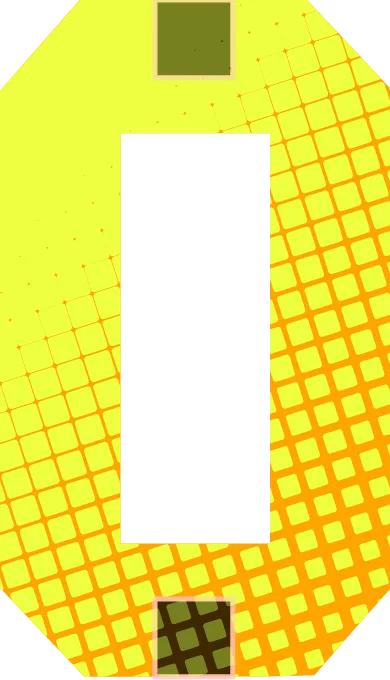
and this:
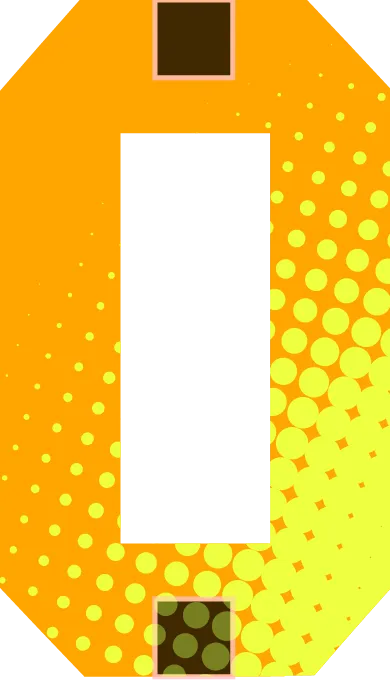
The boxes at the top and bottom of the numbers are just for referencing where logos can be placed.
And yes, I might have been inspired by the Washington Commanders jerseys 😊
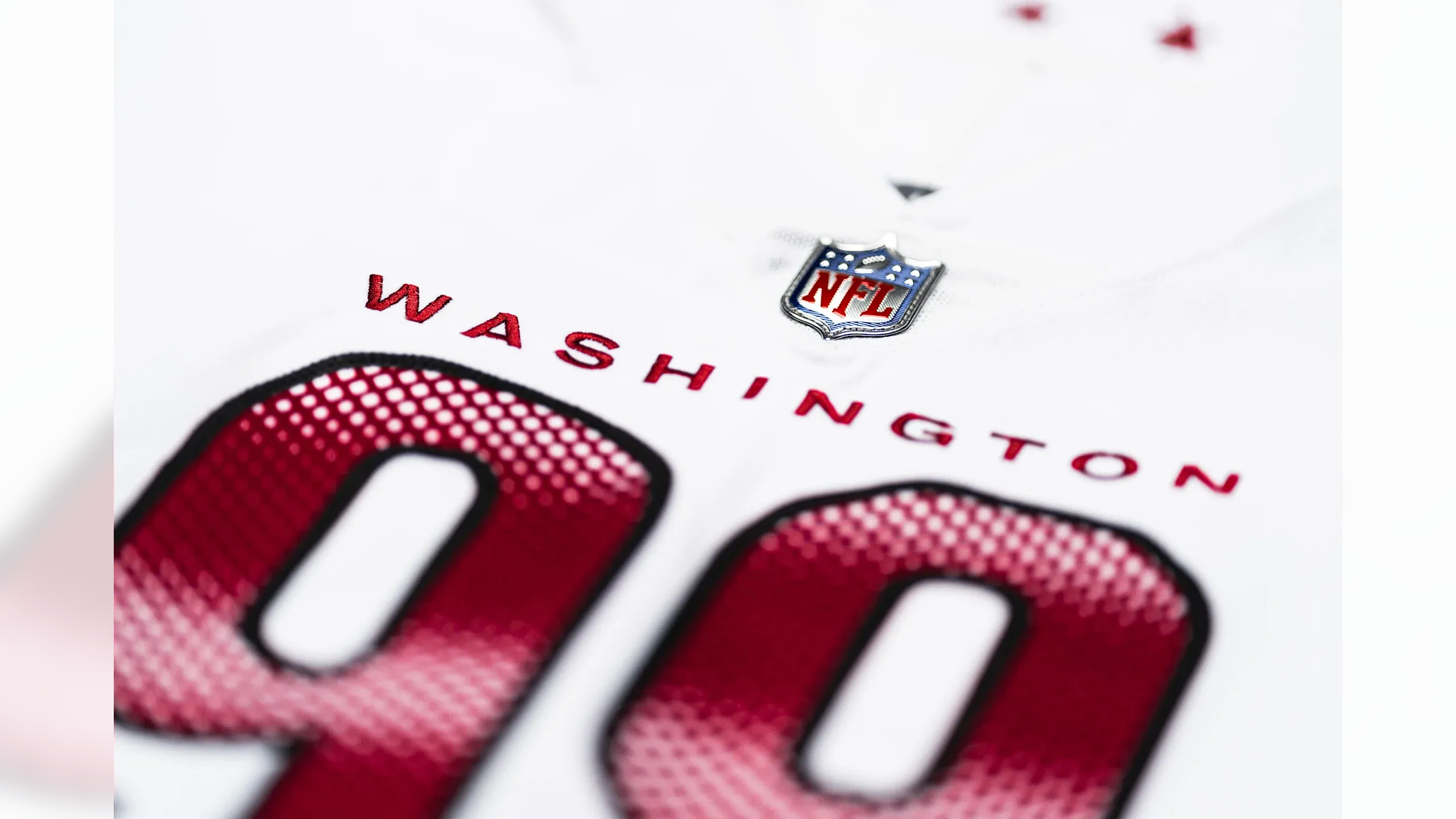
The process itself is actually pretty straight forward. I created a halftone “editor” like this:
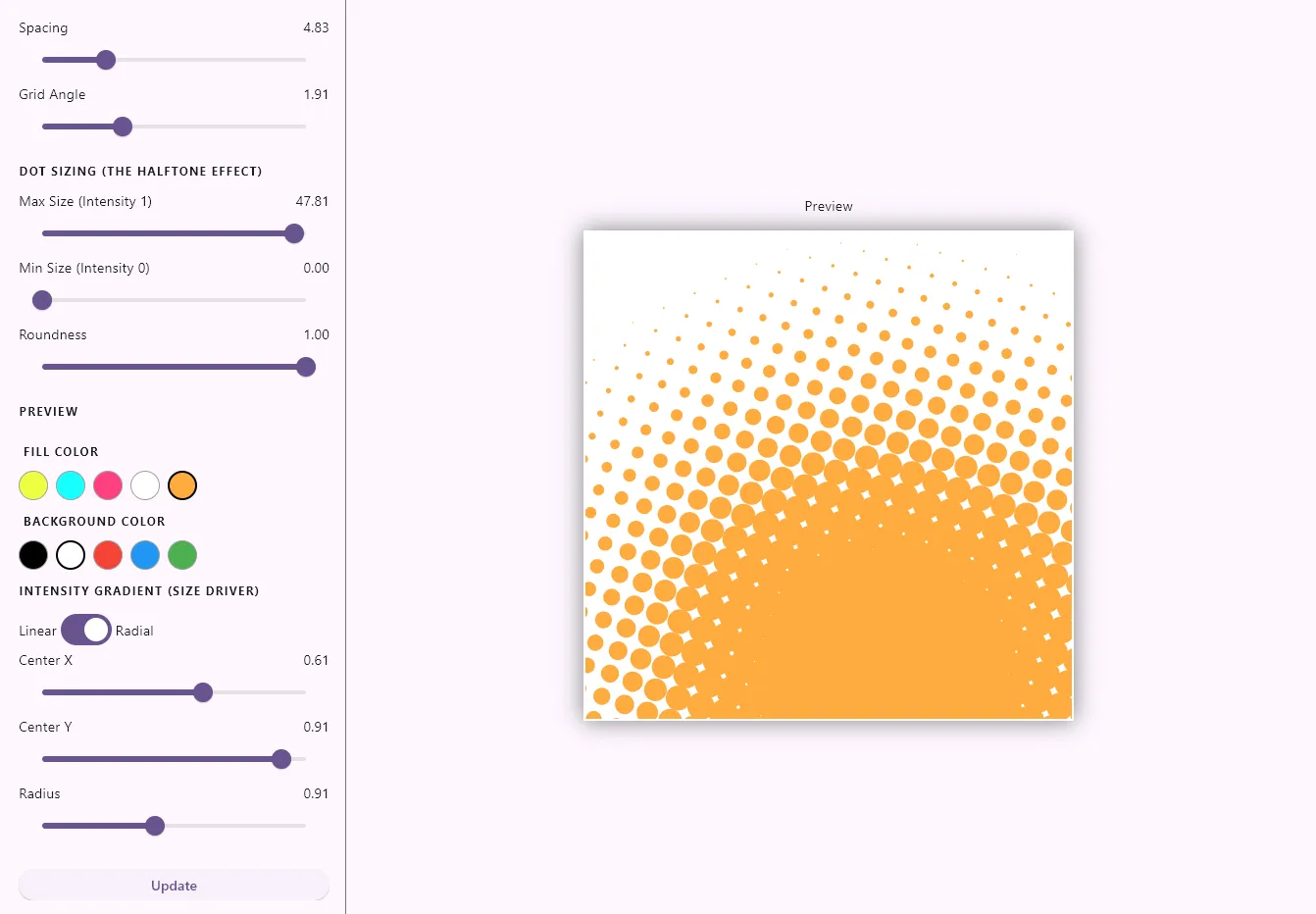
And this generates a SVG group with a lot of rects:
<rect x="314.61" y="-18.85" width="6.84" height="6.84" rx="3.42" fill="#ff4081" transform="rotate(28.65 318.03 -15.43)" />
<rect x="333.68" y="-8.55" width="7.32" height="7.32" rx="3.66" fill="#ff4081" transform="rotate(28.65 337.34 -4.88)" />
<rect x="352.74" y="1.76" width="7.81" height="7.81" rx="3.90" fill="#ff4081" transform="rotate(28.65 356.64 5.66)" />
<rect x="371.81" y="12.07" width="8.29" height="8.29" rx="4.14" fill="#ff4081" transform="rotate(28.65 375.95 16.21)" />
<rect x="390.87" y="22.37" width="8.77" height="8.77" rx="4.39" fill="#ff4081" transform="rotate(28.65 395.26 26.76)" />
And this group is used as the input in a SVG filter like this:
<filter id="waveFilter" primitiveUnits="objectBoundingBox">
	<feImage xlink:href="#halftone-group" x="0%" y="0%" result="waves"></feImage>
	<feComposite operator="in" in="waves" in2="SourceGraphic"></feComposite>
</filter>
Written by: Jesper Halvorsen