2025-01-11
Nothing could be simpler right? Even Illustrator can do it - or can it...
Opening the SVG in a browser worked like a charm, and then I just need to convert it to a high resolution PNG, that programs like Digital Factory can load it and print.
First, I tried to open the SVG in Illustrator, and that didn’t go so well. I got a warning and Illustrator added all kinds of clipping offsets to most of the layers.
So I had to find another way (also I don’t know if I would be able to automate Illustrator at all) and there are a lot of programs that claim to able to do the conversion.
However if you require access to local files (logos) and support for transformations etc., it was a lot harder to find a program.
I did find resvg which states it’s designed for edge-cases and that turned out to be true. It’s also quite fast and is easy to use as a command line tool.
resvg.exe --dpi 600 svg-outputs\res.svg svg-outputs\res.pngwill render a PNG, and given that the sheet size is set as width & height in SVG:
<svg version="1.1" id="bin" width="29.2cm" height="40.6cm" ... />with the dimensions 6898 x 9591 and we all done, right?
Not so fast: Opening the PNG in Illustrator to verify the sizes of the logos were correct resulted in a quite small image. Unfortunately, Digital Factory didn’t like the PNG any better, and gave a warning about the quality of the image being low.
When I opened the PNG in my image viewer (IrfanView), everything looked fine even when zoom in a lot.
Then I checked the properties of the PNG:
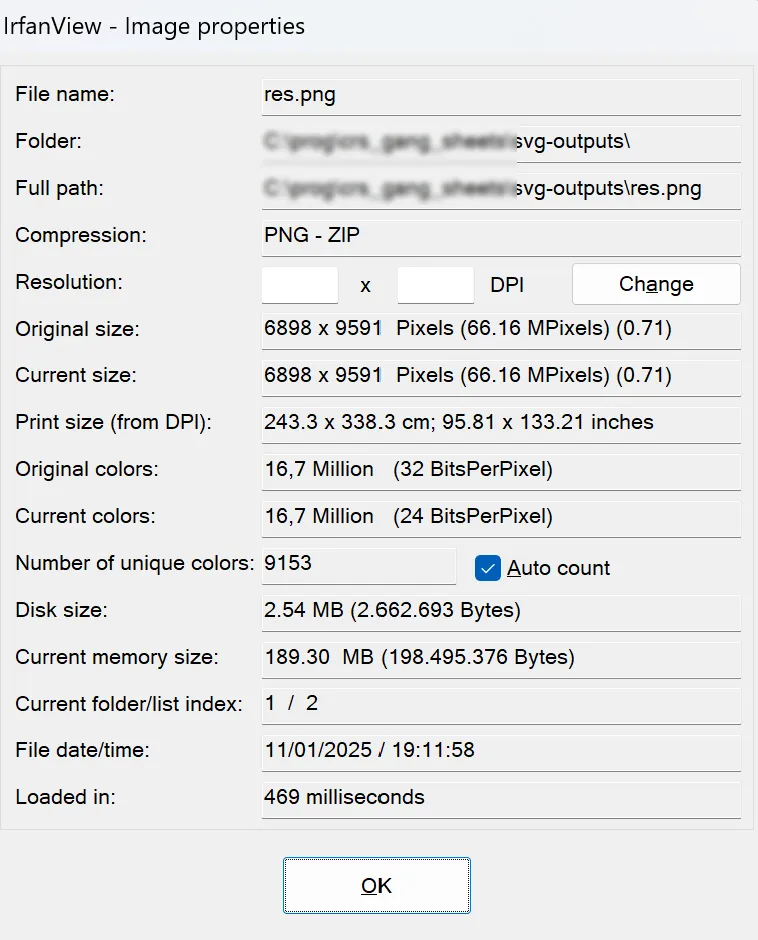
That was a strange print size???
Checking the properties in Windows helped explain things a bit:
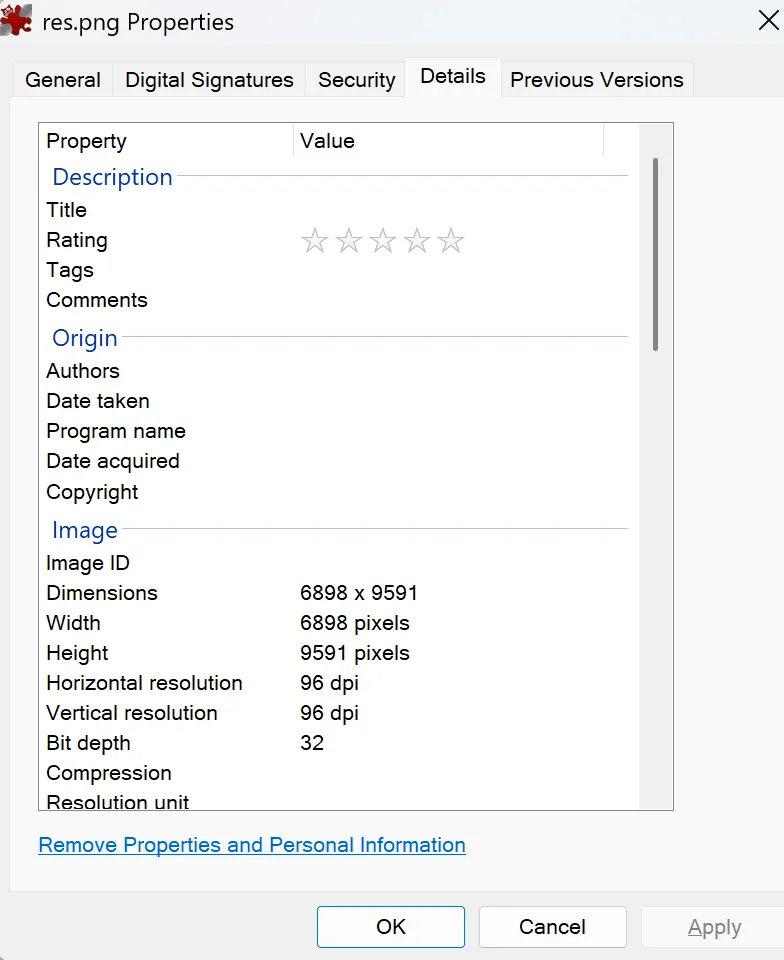
96 by 96 DPIs? Where did that come from? And does DPI even make sense for a pixel format?
But I could see that somehow Illustrator managed to set the property to the specified DPI when using Export as.
After a bit of googling I discovered that you can add all kinds of headers to a PNG, and Illustrator uses
the pHYs to specify the DPI.
Or not quite that simple: The value of the header is pixels per meter - but that is just a conversion. After adding this header to the PNG, IrfanView displays the correct DPIs and the expected print size:
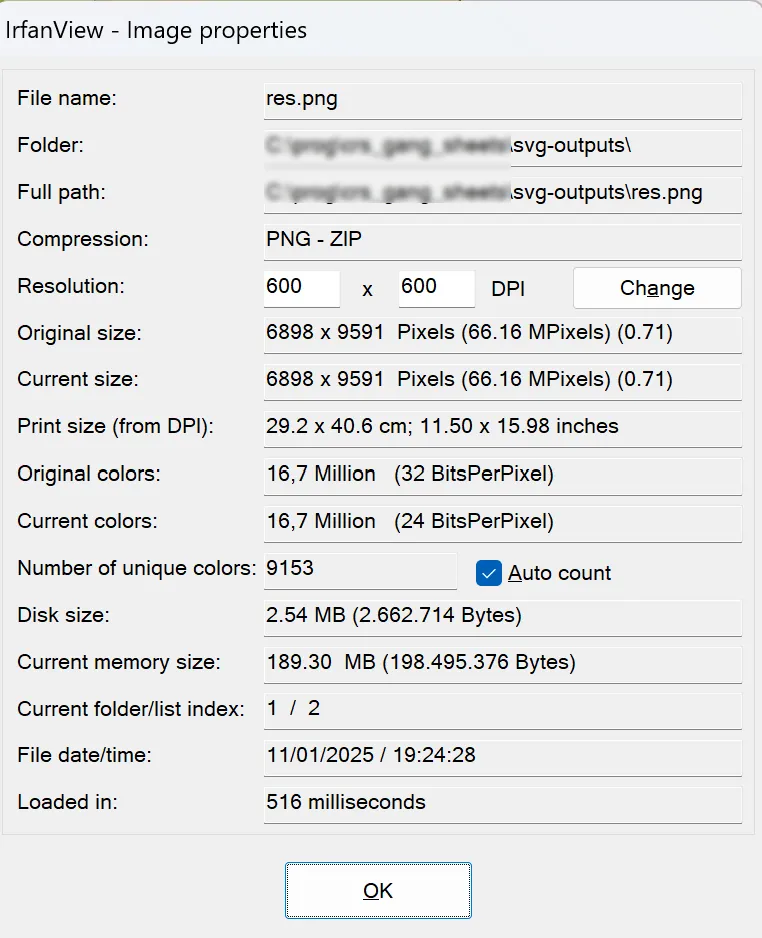
Both Illustrator and Digital Factory opens the PNG with the extra header value without any problems and uses the pixel dimensions and DPIs to correctly calculate the size of the image.
Written by: Jesper Halvorsen